



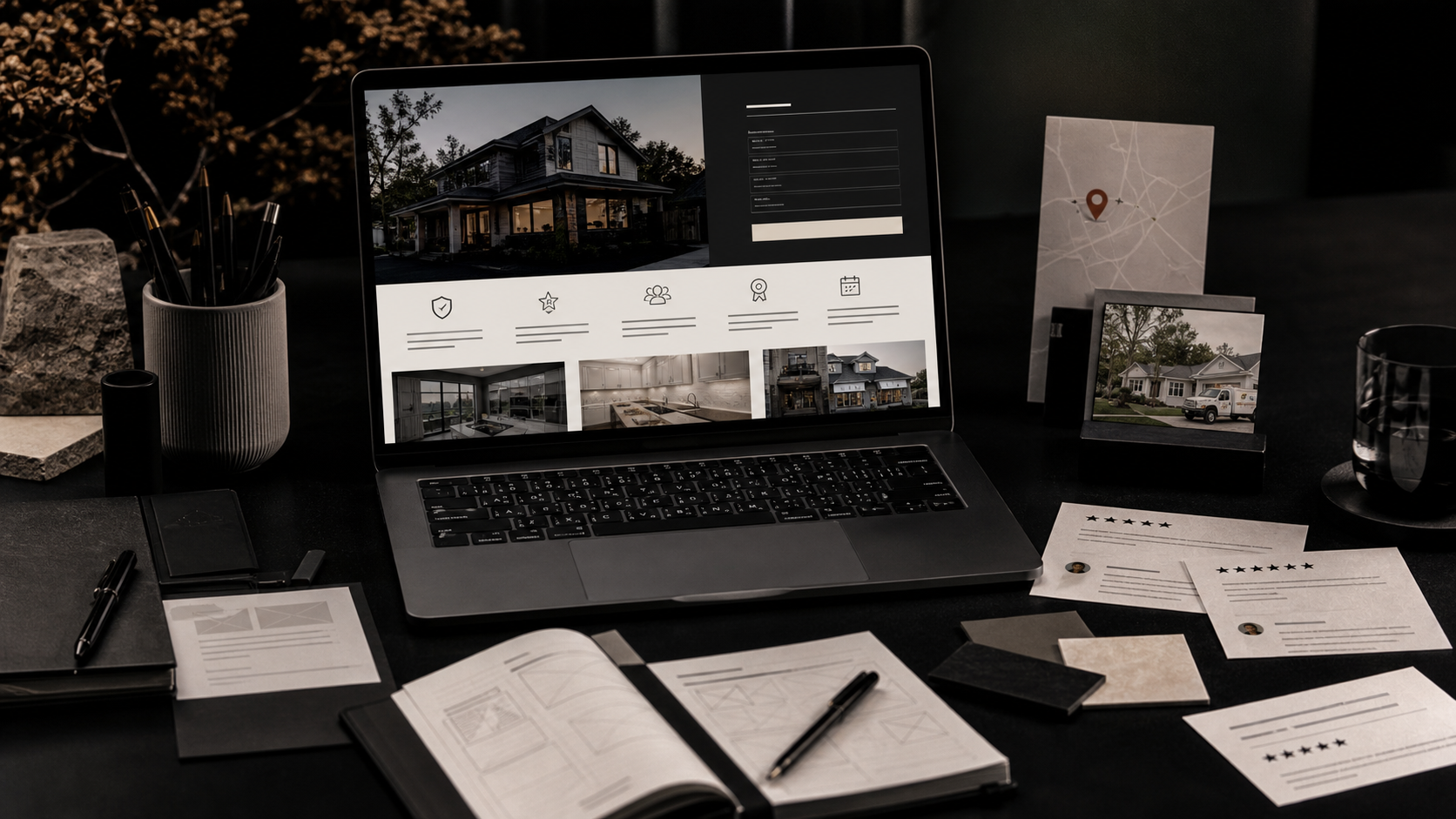
Why website trust signals matter before design taste matters
Most business owners think their website has a design problem when it actually has a trust problem. The colors might be fine. The logo might be fine. The layout might even be good. But if a visitor cannot quickly understand who you help, what you do, where you work, what proof you have, and what happens after they reach out, they keep shopping.
That is why website trust signals are one of the most useful opportunities for local service businesses, contractors, professional service firms, clinics, consultants, studios, and any company that needs a stranger to take the first step. Trust signals reduce the mental work of choosing you. They make the visitor feel like they are dealing with a real company, not a random website.
The best part is that this is not generic polish. Trust can be designed. It shows up in copy, photography, proof, page structure, calls to action, reviews, service clarity, and the little details that make the whole brand feel held together.
The first screen test: can people understand you in five seconds?
Before a visitor reads your full page, they run a fast credibility scan. They ask, usually without realizing it: Is this company for me? Do they do the thing I need? Do they look active? Do they look local or relevant? Do they look like they have done this before?
Your first screen should answer those questions without sounding desperate. A strong headline names the service or outcome. The supporting line gives context, like who you help or what kind of project you handle. The call to action should make the next step obvious.
This is where a lot of service business websites lose people. They open with vague lines like 'solutions for tomorrow' or 'quality you can trust.' Those phrases do not create trust because they do not say anything concrete. A clearer version might say, 'Website design and brand identity for service businesses that need better leads, stronger proof, and a cleaner sales path.'
- Name the service in plain language near the top of the page.
- Mention the type of customer or business you serve.
- Show one strong proof signal before the visitor has to hunt for it.
- Use a clear call to action that matches buyer intent.
- Avoid abstract taglines that require the visitor to decode your offer.
Proof that feels real beats proof that only looks decorative
Testimonials, review badges, awards, case studies, client logos, before-and-after images, and project photos can all help. But they only work when they feel connected to the buying decision. A visitor does not just need proof that somebody liked you. They need proof that you understand their type of problem.
For a home service company, that might mean photos of wrapped vehicles, crews, completed jobs, local signage, and review snippets that mention punctuality or professionalism. For a healthcare brand, it might mean team photography, clear credentials, patient-friendly process language, and privacy-forward forms. For a creative agency, it might mean visible work, named services, campaign examples, and client outcomes.
The key is specificity. A page with one detailed, relevant proof block can outperform a page with twenty generic logo marks that nobody understands.
Local credibility signals that help visitors and Google
Local credibility is not just an SEO detail. It is a human trust detail. If someone is considering your business, they want to know whether you understand their market, whether you are reachable, and whether you are a real presence in the world.
For a Southern Illinois business, that might include clear city and service area language, recognizable local work, office or team photos, local awards, community mentions, and contact information that feels current. For businesses that also serve national clients, the page can still be honest about the home base while making remote or national service clear.
This also supports search visibility. Google and AI answer systems can understand your business more confidently when your location, services, proof, and brand entity are consistent across the site.
- Use a real contact page with current phone, email, location, and form details.
- Mention your service area where it is relevant and true.
- Feature real work from recognizable industries or places.
- Keep business information consistent across your website, Google Business Profile, and directories.
- Use internal links from service pages to related local or proof-based content.
Design details that quietly make a company feel more legitimate
Trust is often built through restraint. Consistent spacing, readable type, good mobile layouts, clean forms, clear buttons, real photography, and organized page hierarchy all send a signal that the business pays attention. Visitors rarely compliment those things directly, but they feel the difference.
On the other hand, broken mobile sections, unreadable text over images, inconsistent button styles, low-quality stock photos, and outdated copyright dates all create friction. None of those details alone ruin a website, but together they make a company feel less established.
The goal is not to make everything fancy. The goal is to make every important page feel intentional, current, and easy to trust.
A practical website trust signal checklist for service businesses
Use this list to audit your most important pages: homepage, core service pages, About page, Contact page, and any landing pages tied to ads or SEO. If those pages are vague, no amount of traffic will fix the conversion problem.
- A clear service-specific headline and supporting sentence.
- Real photos of work, people, products, places, or process.
- Relevant testimonials or review snippets near decision points.
- Client, publication, award, certification, or association logos where they are true and meaningful.
- A direct explanation of process, timeline, and what happens after inquiry.
- Visible contact details, privacy cues, and low-friction forms.
- Internal links to related services, proof pages, and helpful articles.
What to fix first if your website does not feel trustworthy yet
Start with the pages closest to money. If your main web design, branding, roofing, legal, medical, consulting, or home service page is weak, fix that before publishing more blog posts. Search traffic only matters if the page can turn attention into a real inquiry.
A good first move is to tighten the headline, rewrite the first two paragraphs, add real proof, improve the call to action, and make the mobile layout easier to scan. Then connect that page to deeper resources like service page conversion strategy and related services like web design or creative marketing.
Trust compounds. When the design, copy, proof, and links all support the same story, buyers feel less need to keep comparing you against everyone else.
Frequently Asked Questions
What are website trust signals?
Website trust signals are the details that make visitors believe your business is real, credible, and worth contacting. They include clear service copy, real photos, reviews, case studies, client logos, awards, credentials, local details, contact information, and a professional mobile experience.
Do trust signals help SEO?
Yes, indirectly and sometimes directly. Strong trust signals improve engagement and conversion, and many credibility details also help search engines understand your business. Clear services, consistent location information, FAQs, internal links, and proof-rich pages can support SEO and AI search visibility.
Where should trust signals go on a website?
Place them near moments of doubt. Put proof near calls to action, answer common objections on service pages, show real photos near process sections, and include contact or privacy cues close to forms. The footer alone is not enough.
Related Services & Reading
Need help applying this?
Want your website to feel more credible before people compare you?
We can help you redesign the pages that matter most, sharpen the message, and add the proof serious buyers need.