

UI/UX Design

UI/UX Design: Prototyping

A static design can hide exactly where a flow feels confusing or a feature is missing a step, and those problems are far more expensive to fix once real code has been written around them.

Challenges

UI/UX Design: Prototyping

01

What you are commissioning

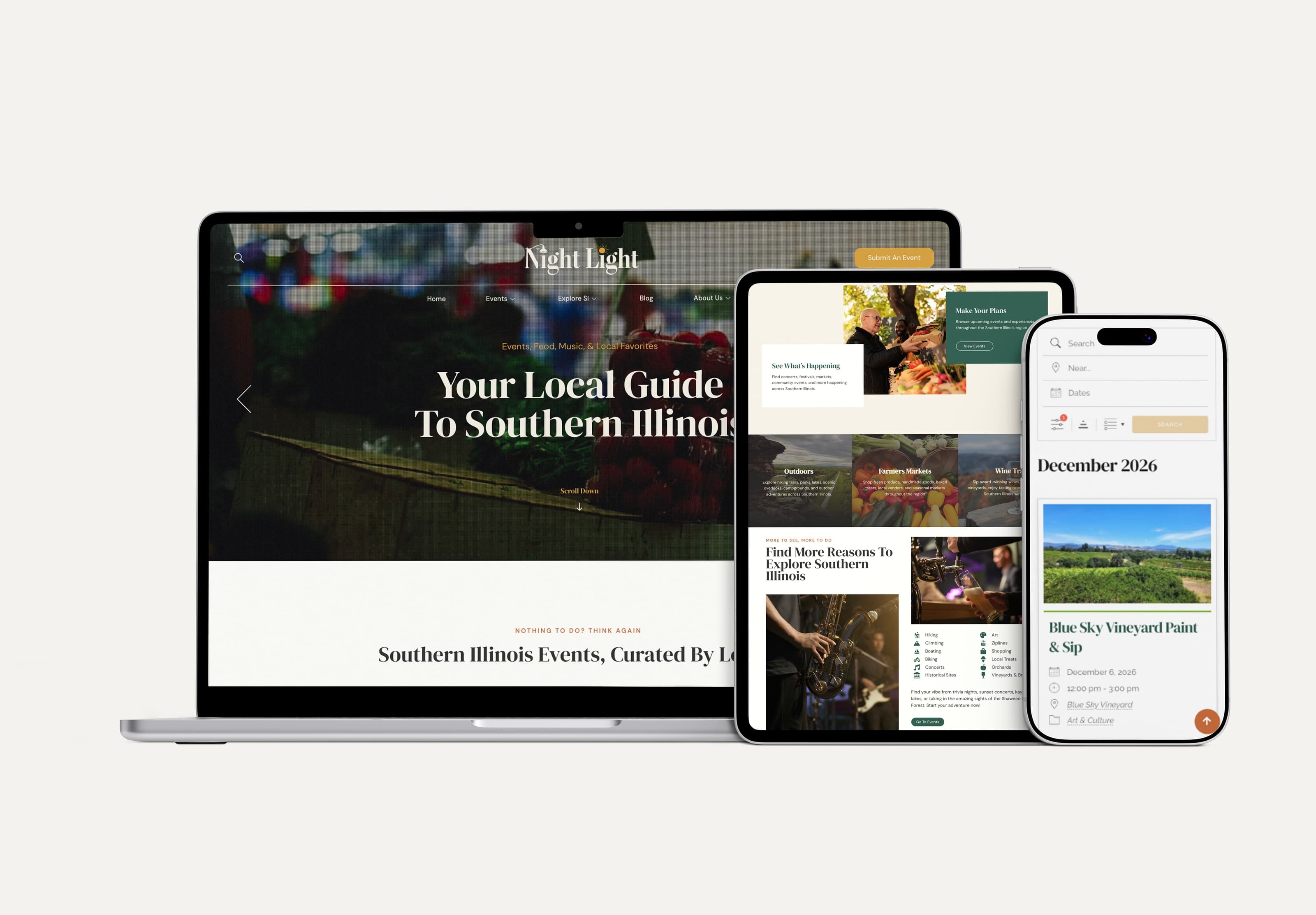
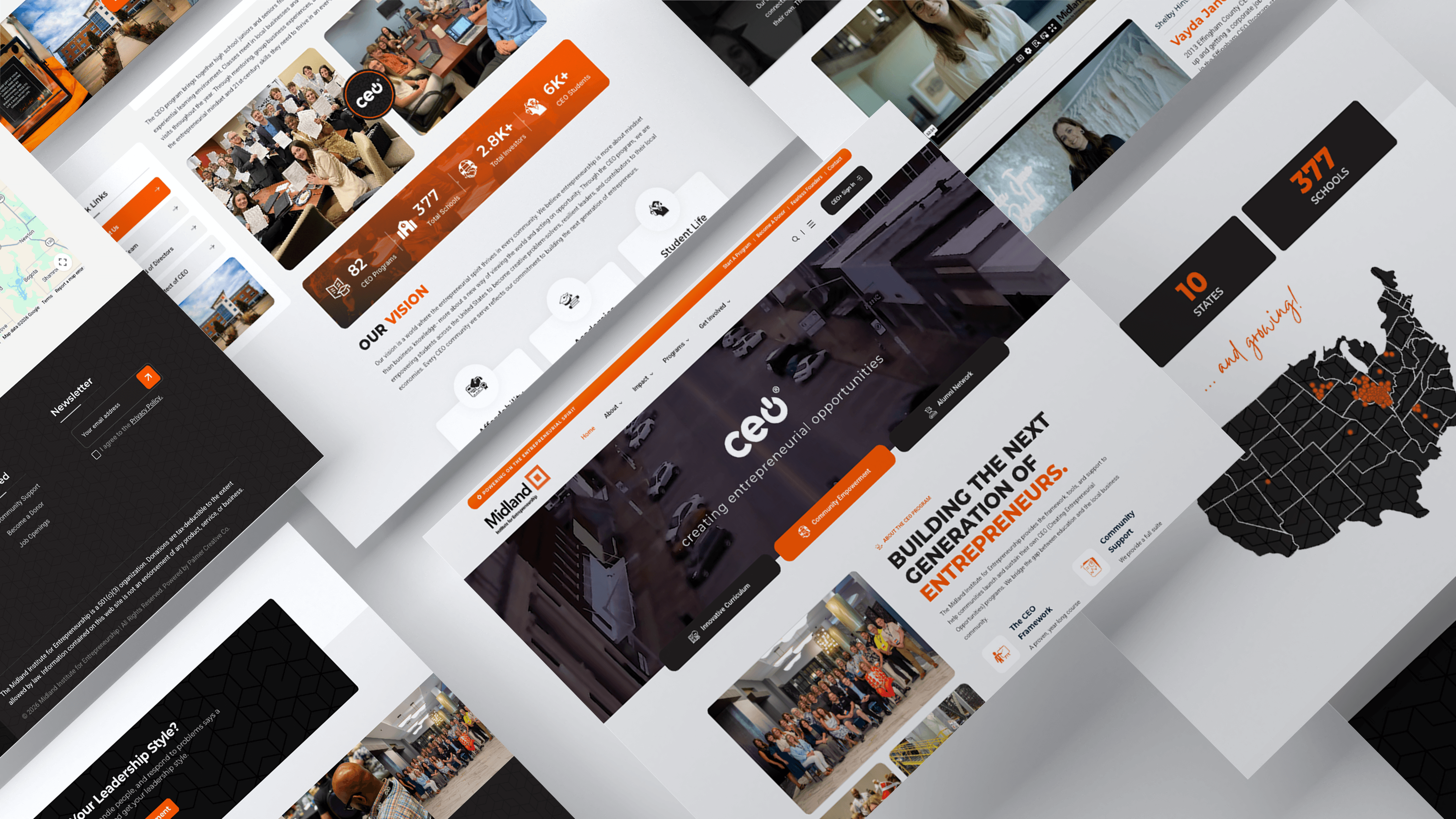
A clickable prototype reveals what a static design can miss, so we build prototypes at the right fidelity for each project, from rough wireframes to polished, near-final interactions, letting your team and real users click through and give feedback early, while changes are still cheap.


Companies we’ve worked with

A few familiar faces

Our process

From the first conversation to delivery.

01

Understand

We determine the right prototype fidelity for the project's stage and goals, so the effort matches what the project needs.

02

Create

We create an interactive prototype covering the key flows to test, so problems surface before development starts.

03

Deliver

We gather feedback from your team or users and refine before development, so development starts on solid ground.

FAQ

Before we get started.

What tools do you build prototypes in?

Standard design and prototyping tools suited to the project. We can share exactly what fits your team's workflow.

Can a prototype be tested with real users?

Yes, we can facilitate user testing sessions using the prototype before committing to development.